PragyaGo · mockups for review · sample events
Trending, events and the ride home
Saved Oct 28, 2026 · nothing in the app has changed
Home gets a “What’s on” row, the middle tab becomes Trending, Activity moves into Profile, and businesses post events one step at a time. The events and numbers are made up, but the venue names come from the app’s Prampram place list.
What customers see
Six screens: Home, Trending, an event, Trending when nothing’s on yet, the ride home and the new Profile. The tabs are Home · Trending · Profile.
1. Home
Wednesday evening. Tonight’s event gets a pin on the map.
Hi Martin, where to?
 Ride
Ride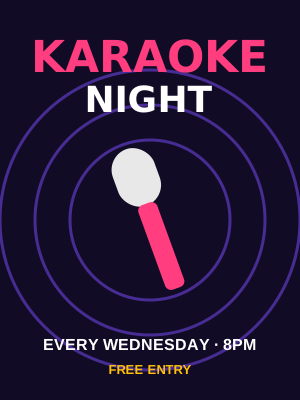 Tonight
 This weekend
 Next week
“Buy for me” opens with chips inside: Food, Groceries, Pharmacy, Drinks. The event row only shows the next two weeks, soonest first.
2. Trending
Friday afternoon, so the weekend banner is up.
Trending
Prampram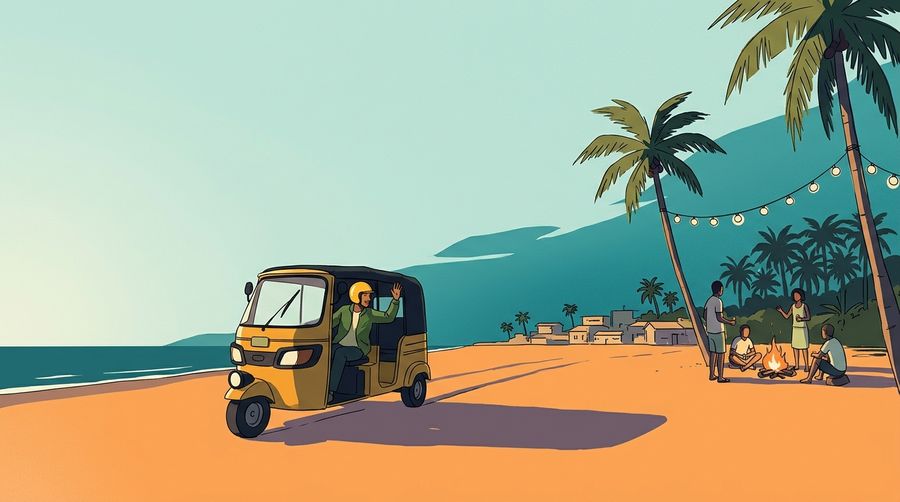 Sat · 7 PM#1Ride there
 Place to go · #2Sunset Banana BeachBeach spot · 16 rides this weekRide
“Hot” ranks events and places together by views, taps and rides there. The date chips filter down to that day.
3. An event
One big ride button. “Remind me” sits under it.
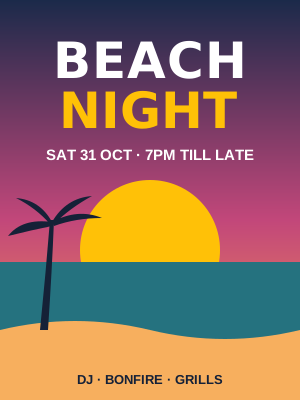
Beach Night
“DJ, bonfire and grills on the sand. Bring your crew.”
 Ride there with PragyaRemind me
Ride there fills the drop-off with the venue. Remind me pings them 2 hours before it starts.
4. Nothing on yet
The launch state. No events, but the tab is still full of places.
Trending
Prampram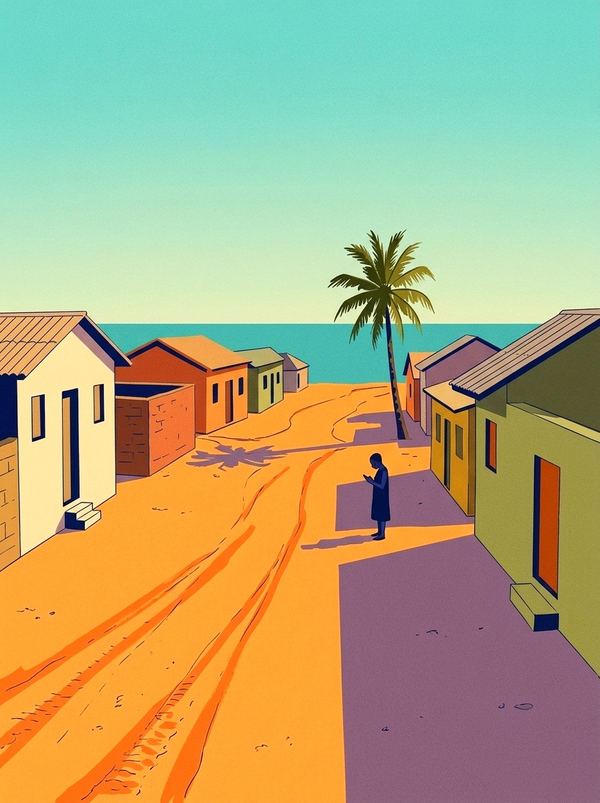 Nothing on yet tonightWhen a spot posts an event, it shows up here first. Till then, here’s where people go.Sunset Banana BeachBeach spotRide
 Gyaaba Sea View HotelHotelRide
 Rejnas KitchenFoodRide
The illustration is the approved empty-road scene. Places come from the app’s place list, so this never shows a blank screen.
5. Ride home
Saturday, 20 minutes before Beach Night ends. Only people who rode there get this.
 Pragya · now🛠 Heading home? Riders are nearby.Beach Night ends at midnight. Tap to book your ride home.
Ride home from Beach Night?
The push goes out once, near the end time the business set. Tapping it opens Home with the trip filled in.
6. Profile
Account is now Profile. Past trips live here.
Martin Addo
Rider · 024 123 4567Activity
Account
Log out
A rider sees “Rider” under their name, a customer sees “Customer”. Delete my account stays inside Settings.
Business: Add event
Kings Bar Prampram posts “Afrobeats & Grill”. Each step is one question with a progress bar, then a preview with one Post button.
7. What’s on?
Step 1 of 4: name and flyer.
What’s on?
Give it a name people will remember.
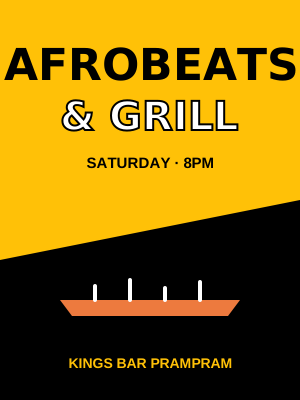 Change flyer
Your WhatsApp flyer works. A photo of the place works too.
8. When’s the party?
Step 2 of 4: a day chip, then the times.
When’s the party?
We’ll offer people a ride home near the end.
9. Where? and How much?
Steps 3 and 4: the place comes from their business pin.
Where?
How much to get in?
In the app these are two separate screens. They’re shown together here to save space. People pay at the gate: Pragya doesn’t take the money.
10. Preview and Post
“Here’s how people will see it.”
Here’s how people will see it
Sat · 8 PMRide there11. It’s live
From the second event on. The first one says “Sent for a quick check”.
Your event is live! 🎉
It’s on Trending and on Home for people in Prampram. Riders will be ready Saturday night.
First event: “Sent! We’ll check your first event and post it soon.” They get a push when you approve it.
Admin page: Events tab
A third tab next to Riders and Businesses. On the left are first events waiting for you. On the right you can post an event from a WhatsApp flyer yourself.
First events to check
A business’s first event waits here. After you approve one, their next events go live on their own.
Live and coming up
Add from a WhatsApp flyer
For spots that aren’t on Pragya yet. It goes live straight away.
Will Trending feel alive?
At the start there’ll be one or two events a week and hardly any ride data, so for now Trending is mostly a guide to places to go with a few events on top. Mixing in the permanent places means it’s never empty. “Hot this weekend” can rank by taps and rides from day one, so it’ll feel alive as long as you add flyers from WhatsApp every week.
Before it’s built
- Ride-home push: it needs the event’s end time, so “Ends” is in step 2. If a business skips it, the app can guess from the start time.
- Event pins: they show on the Home map only on the day of the event, so the map stays clean.
- Counts like “38 going”: they only show once there are enough. Below that, the card just says “New”.